
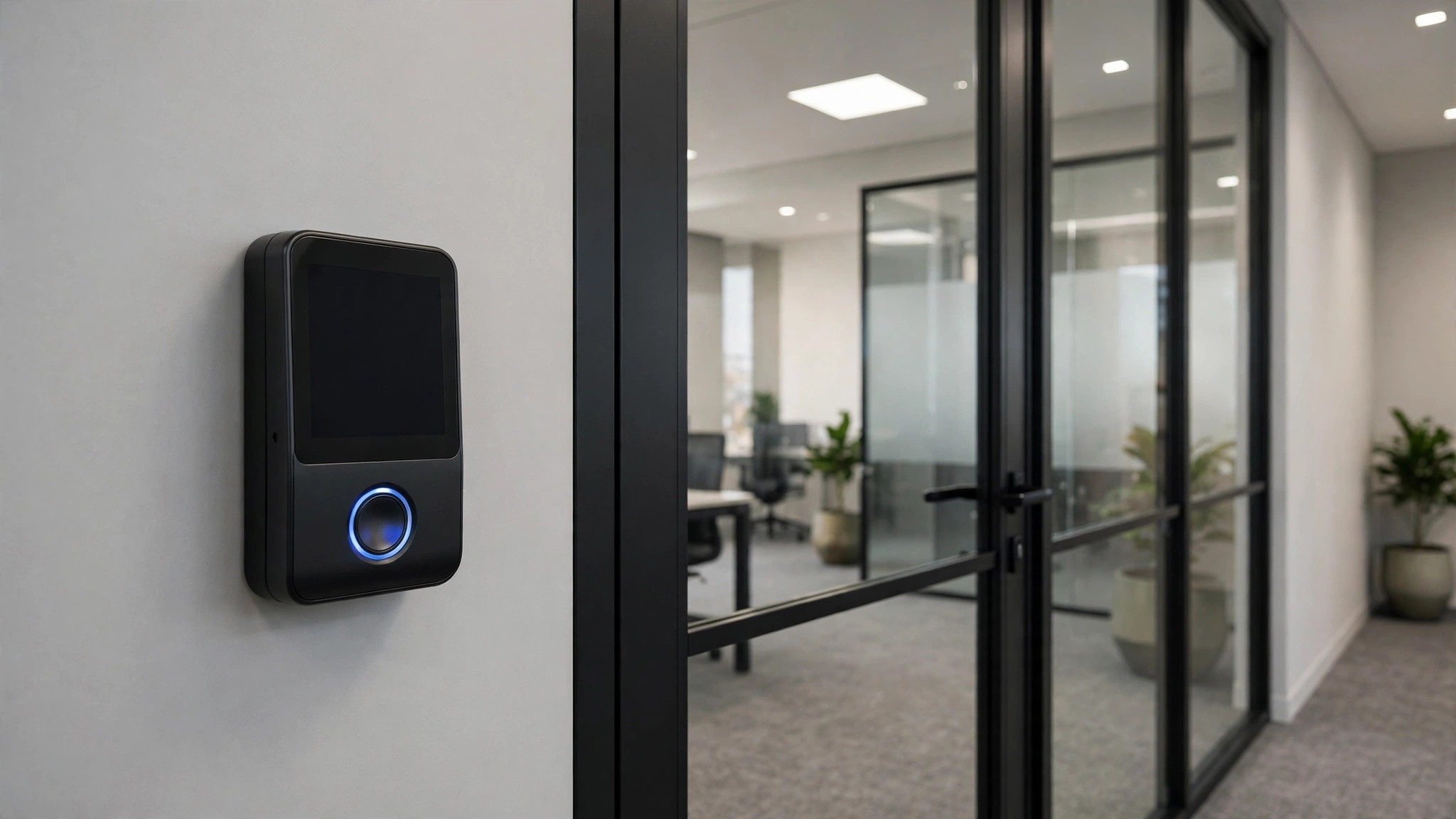
Fingerprint readers and face-recognition terminals are now a familiar sight at office doors and warehouse entrances across Dubai. They are fast, they cannot be lent to a colleague, and they remove the daily hassle of lost cards and forgotten PINs — reason enough for many businesses to switch. But biometric access differs from a card or a code in one important way: it is built on data about a person's body, and that data cannot be changed if it is misused. Before rolling it out, employers should weigh the privacy side as carefully as the security side.
Why businesses choose biometrics
The appeal is straightforward: a fingerprint or a face cannot be shared, copied onto a spare card, or written on a sticky note. That closes the most common gaps in card and PIN systems: cards passed between colleagues, PINs shared with visitors, and one employee clocking in for another. Biometric readers also create a cleaner audit trail — every entry is tied to a person, not to a credential that may have changed hands — and touchless face recognition keeps queues moving at busy entrances without anyone touching a shared surface.
What makes biometric data different
A lost access card can be cancelled and replaced in five minutes. A fingerprint cannot. Modern systems do not usually store an actual image of a fingerprint or a face, but a mathematical template derived from it, which cannot easily be turned back into the original. Even so, that template is linked to a specific person in a way a card number never is. That is why employees are right to ask questions about it — and why employers should have good answers ready before installation day, not after the first complaint.
Tell staff what you are collecting — and why
Transparency is the single most effective step, and it costs nothing. Before enrolment, tell staff in plain language what is collected, what is stored, where it is stored, who can see it, and how long it is kept. Put it in writing — a short policy, or an addition to the staff handbook — so the answers do not change with who is asked. Explain the purpose, too: the system controls who enters the building, not how long somebody spends at their desk. If the same system will also record attendance, say so openly; discovering a second use after the fact is what turns a reasonable system into a trust problem.
Keep only what you need
Collect the minimum that makes the system work. Where possible, choose readers that store templates on the device itself rather than in a central database — then there is no single store of biometric data to protect, and nothing to breach in bulk. Limit administration access to a few named people, and build in a routine for leavers: when somebody's employment ends, delete their template as part of the same leaving process that returns their laptop and cancels their email. Do not keep biometric data "just in case" after a person has left, and do not use it for a purpose staff were never told about.
Offer an alternative
Some members of staff will object — for personal or religious reasons, or simply because they are uncomfortable with the idea. That is a normal reaction; the practical answer is to keep a card or PIN option available alongside the biometric reader. Biometrics then becomes the convenient default rather than the only way through the door. Forcing it on everyone can turn a security upgrade into an HR problem; offering a choice costs very little, because most modern readers support cards and PINs as well.
Check your obligations first
Biometric data is personal data, and in the UAE employers are expected to handle employee personal data with care: collect only what is necessary, keep it secure, and be able to explain why it is being collected. Rules can change, so before collecting biometric data at scale, take advice from a qualified adviser rather than relying on a supplier's sales material. And note that certain Dubai premises may have SIRA requirements — confirm applicability before finalising the design of your system. Getting this right up front is far cheaper than reworking an installed system.
A short rollout checklist
- Choose template-based readers with on-device matching and liveness detection, so a photo or a printed fingerprint cannot fool the reader.
- Write the policy first: what is collected, where it is stored, who can access it, and when it is deleted.
- Enrol in person, with a short explanation of how it works and what happens to the data.
- Keep a card or PIN fallback for staff who do not wish to enrol, and for the day a reader is out of service.
- Name an administrator responsible for enrolment, leavers' deletions, and checks that the system still matches the policy.
Biometric access, done well, is one of the most reliable ways to control who enters your premises — and done openly, with a clear policy and a genuine alternative, it rarely causes the friction employers worry about. Request a quote, call us on (04) 359 4874, or message us on WhatsApp at +971 52 562 1946 for a free site survey: we will assess your entrances, recommend a setup that fits your team and your obligations, and install it alongside your existing CCTV and security systems.